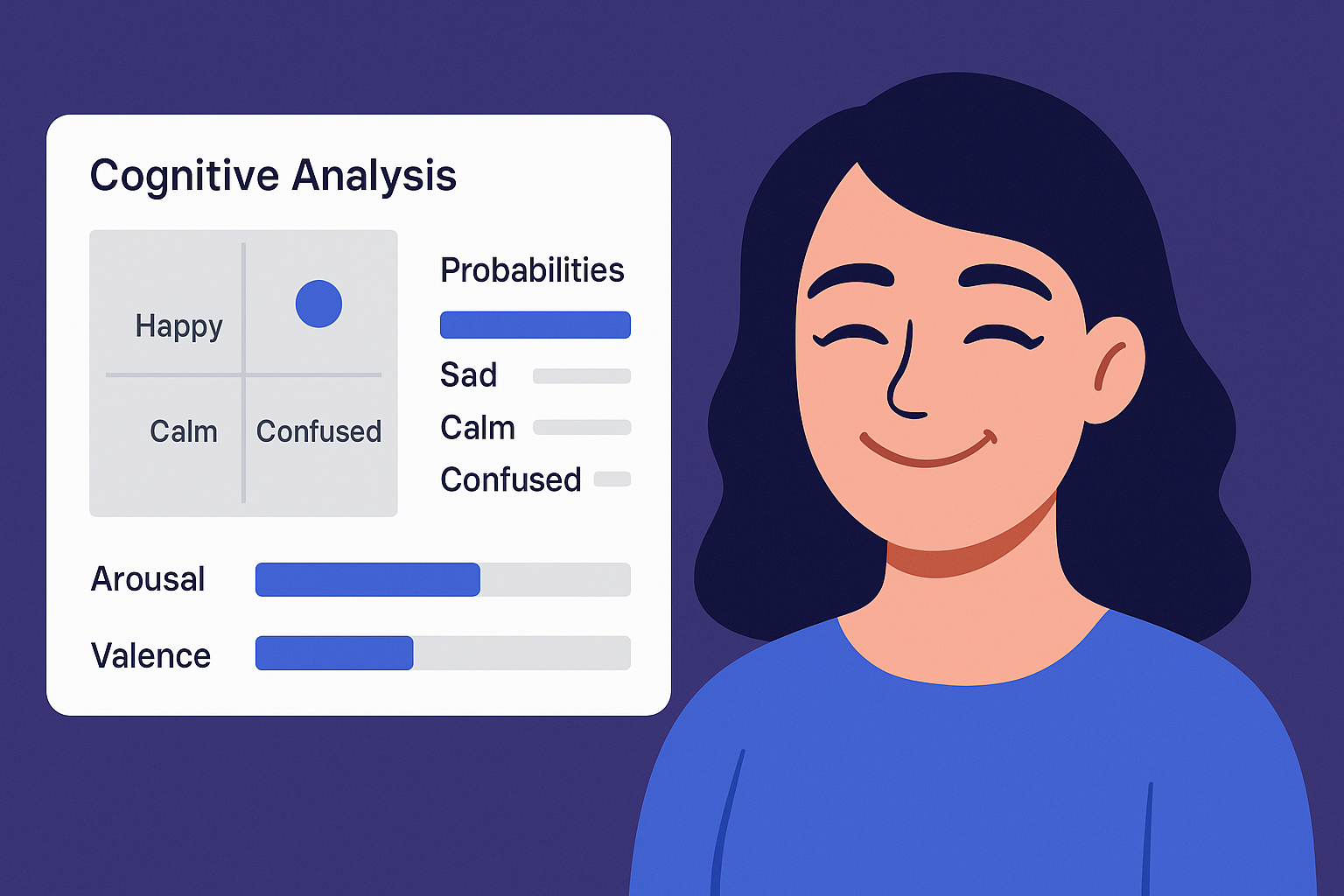
Why Confusion Matters in UX Research
Confusion is one of the most critical yet invisible blockers in usability testing. A participant may not say “I’m confused,” but their facial expressions, tone, or hesitation will often tell the real story.
Missing these signals means missing what actually frustrates or overwhelms the user.
Common Signs of Confusion
While every user reacts differently, certain behavioral patterns consistently indicate confusion:
Sudden pauses or slow reactions
Repetitive scanning or mouse hovering
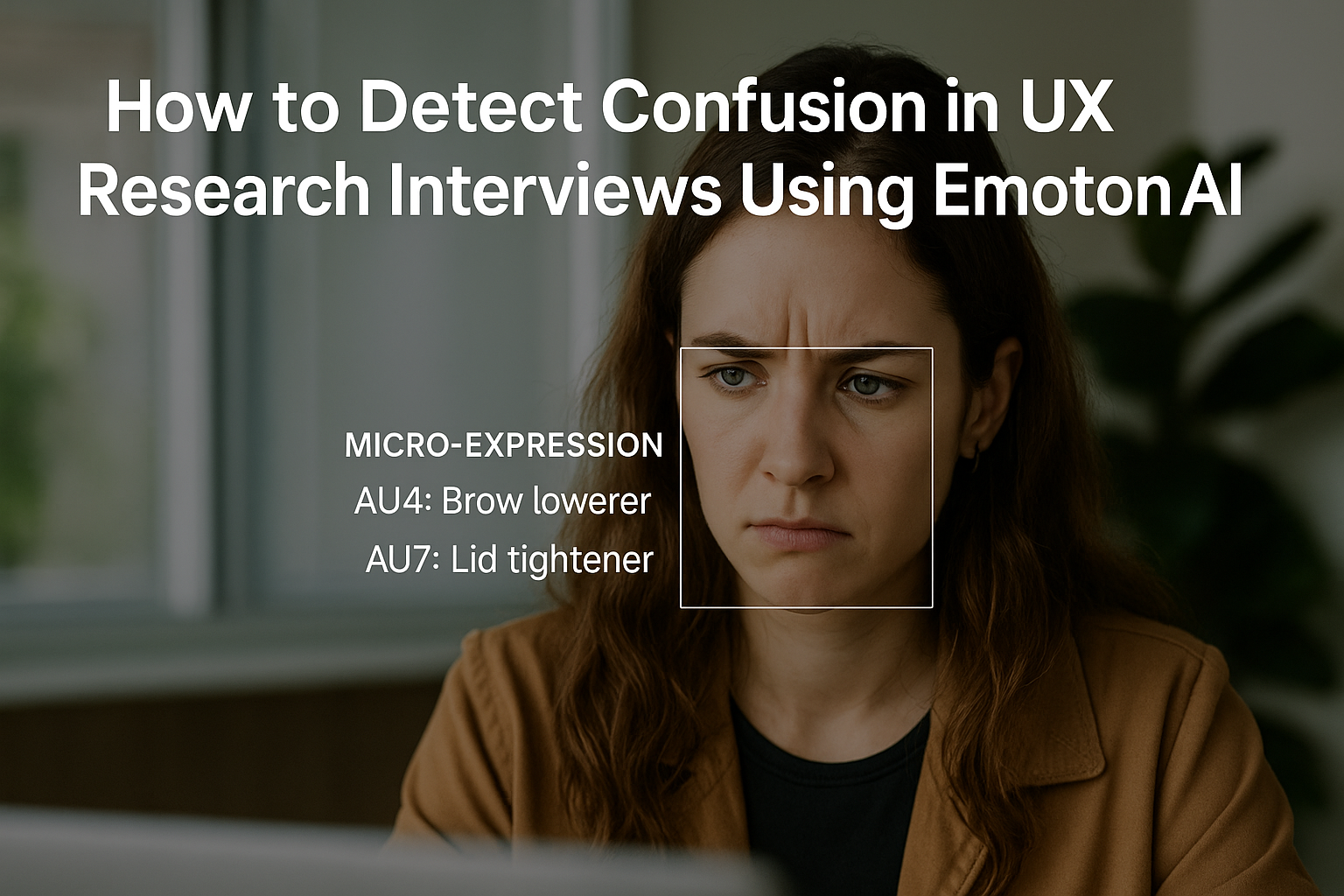
Facial expressions like furrowed brows, tightened lips, or eye tension
A flat or uncertain tone of voice
These signs are subtle and often missed in traditional video recordings or session notes.
Tracking Confusion with Emotion AI
This is where EmotionSense Pro comes in. As a Chrome extension designed for 1:1 Google Meet sessions, it helps UX researchers detect real-time cognitive and emotional signals.
Key features include:
Micro-expression analysis (AU4: brow lowerer, AU7: lid tightener)
Speech tone sentiment (detecting uncertainty or frustration)
Fatigue and attention drop tracking over the session
Session summary reports with emotional peaks and drops
Imagine finishing a call and seeing a timeline that shows:
→ “User confusion spiked around the onboarding flow question.”
That’s where your design iteration should begin.
How to Act on Confusion Signals
Don’t just observe — engage.
Pause and ask: “Can you tell me what’s going through your mind here?”
Let the user explain where friction occurred
Log the timestamp and correlate it with usability actions
Use this data to reframe questions or simplify your flow
Ethical Considerations
Using emotion recognition must always be transparent and consensual.
Inform users that their expressions will be analyzed locally
Don’t use this to judge intelligence or performance
Use it to empathize, not evaluate
EmotionSense Pro processes everything inside your browser. No data is ever sent to external servers — privacy is at the core.
Try It Yourself
EmotionSense Pro is now available for free on the Chrome Web Store.
Start detecting the signals you’ve been missing.